
Stories and Scenes are the crux of the plugin. A story is comprised of scenes. There is exactly one starting scene, but there can be multiple different ending scenes. Where you end up depends on the decisions you make during play.
To get started, visit the Questory plugin in your WordPress admin panel, and head into Stories.
Create a new story, you can simply just give it a name to begin with. It’s pretty much the same as adding a post.
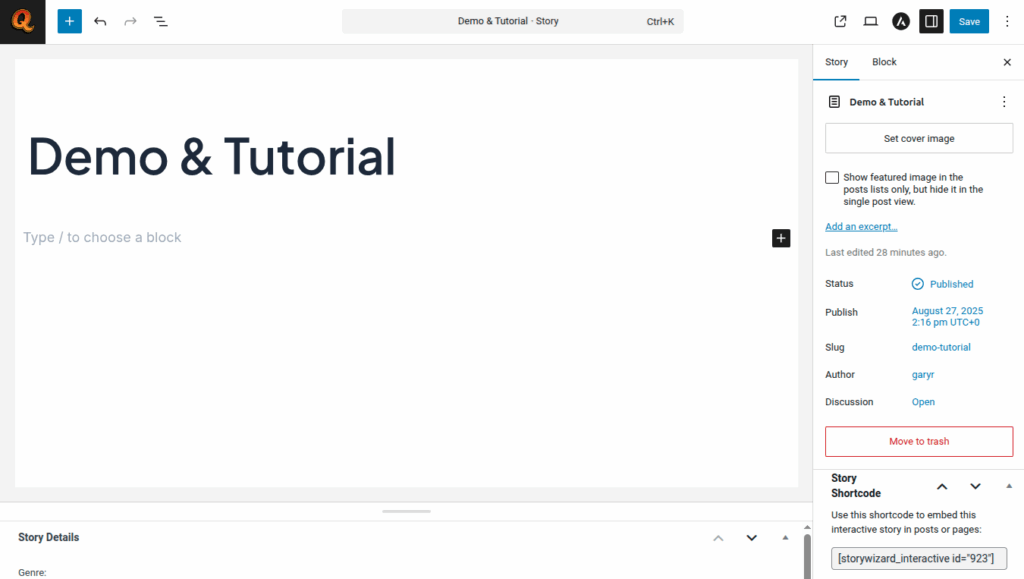
Hit Save, and then, you should find you can view that story directly. That’s the dedicated story page which is great, but in most cases you probably want the story to appear in an existing WordPress page or post.
If you look at the list of Stories you’ll notice that each has a shortcode and a convenient copy button. Copy the shortcode, and you can now drop that into any existing WordPress page or post wherever you want it to appear.
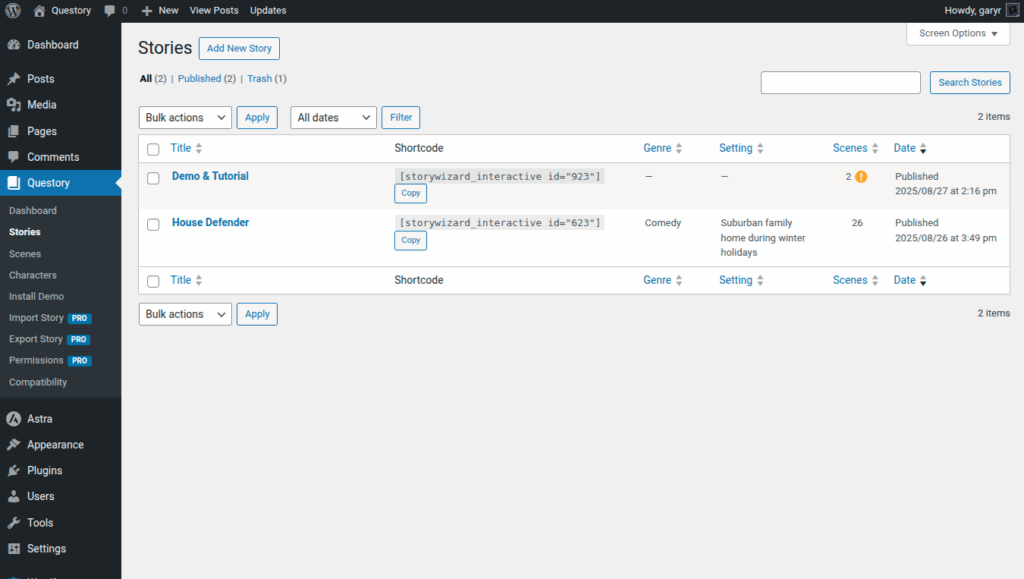
The story won’t do much of anything presently, since there are no scenes. In fact, it will show with an exclamation mark in the list since there isn’t a defined starting scene.
